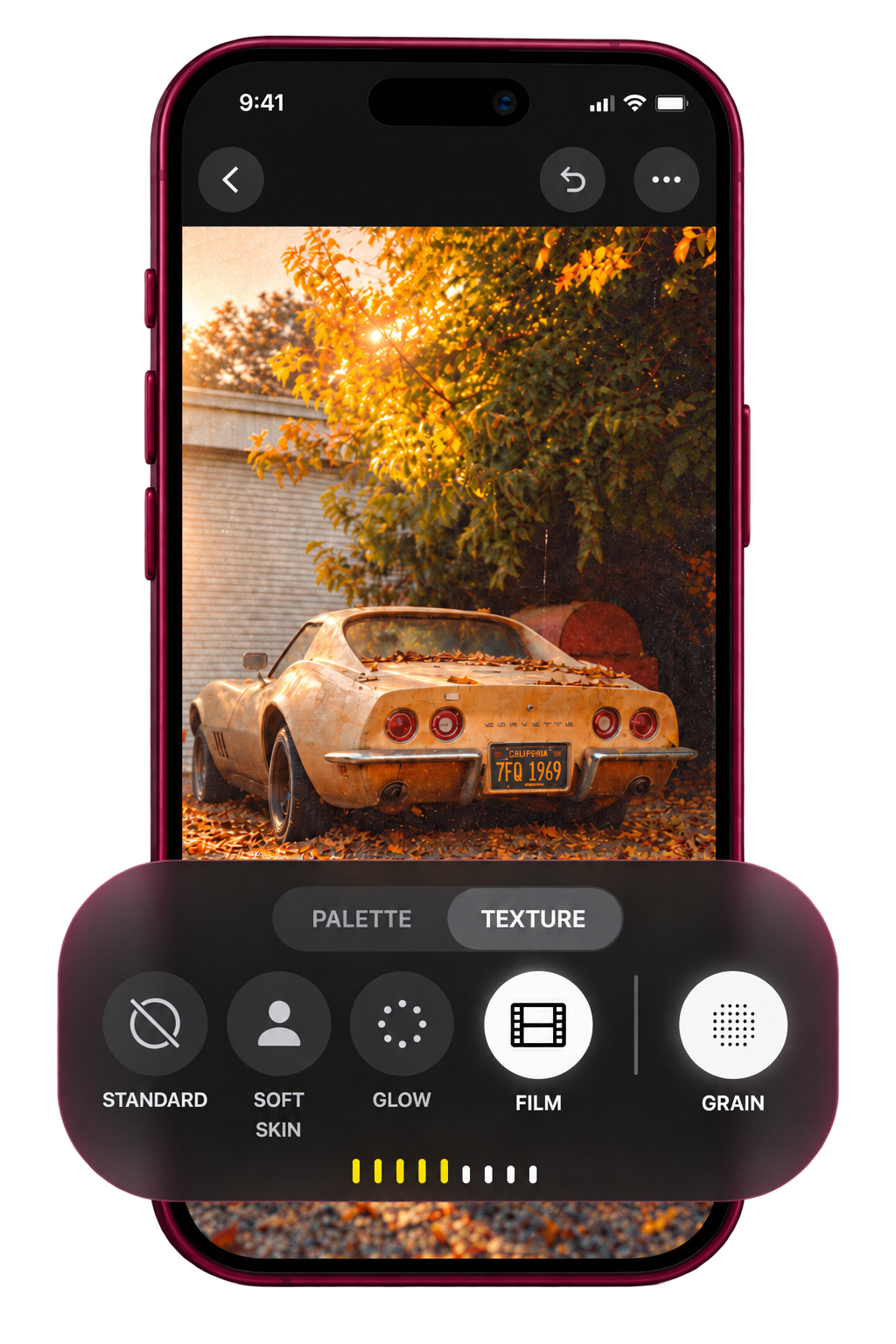
Apple locked its new Texture, Film and Grain controls to iPhone 18 Pro. Upload a photo to unlock them in Photos on your iPhone. Style18 prepares a separate copy, right on your device.
Opening an iPhone 18 photo on an older iPhone unlocks them
Users discovered that viewing a compatible iPhone 18 Pro photo on an iPhone 16 or 17 reveals the full Styles editor in Photos. The restriction is tied to the photo container, not the hardware.
You’re editing metadata on your own photo, on your own phone. No jailbreak, no hack on Apple’s servers, no account involved.
Will this damage my photo?
No. Style18 writes a new copy. Your original file never gets touched.
Does this actually work?
Style18 is built around the same behavior users have observed when an iPhone 18 Pro photo is opened on older supported iPhones. Results can vary by device, iOS version and source photo. An older photo may lack some of the capture data available on iPhone 18 Pro, so its Styles result may look different.
What controls do I get?
The target is the iPhone 18 editing set: Texture, Film, Grain, Glow and Soft Skin. Which controls work best can depend on the source photo and the semantic/HDR information it already contains.
Does Style18 upload my photos anywhere?
No. Photo conversion runs locally in your browser. There is no account and no photo-processing server.
Which iPhones does this work on?
Style18 targets iPhones running iOS 27. Photos taken on iPhone 16 or later should give the best results because those phones already support newer generations of Photographic Styles data.
Is this made by Apple?
No. Style18 is an independent experimental project and is not affiliated with, endorsed by or sponsored by Apple.
Ready to try it on your photos?
Pick a photo from your library to add the missing Photographic Styles metadata. Completely private, processed right in your browser.